Deals that come filled in
Flash Deals is how a Walmart Marketplace seller puts items on promotion on Walmart.com. I designed the setup for its new 24-hour deal. It's five steps that come filled in with the items, prices and deal types Walmart's recommendation models suggest. It's live in Seller Center.
Walmart · 2024–25 · Live in Seller Center
Project sheet
- Senior Product Designer
- 1 PM, distributed engineering, data science
- Shipped
I designed the flow end to end. I set the goals with the PM and owned the architecture, the flows, the tests, and the design and content reviews. I also presented the work to Walmart's product and design leadership.
- Problem
- A seller with hundreds of items had to choose which ones go on a deal, at what price and in which kind. And a new 24-hour deal was arriving next to the weekly one.
- Decision
- A five-step setup that comes filled in with the items, promo prices and deal types Walmart's models suggest. Each is editable one by one or in bulk, and the new deal comes selected by default.
- Result
- Live in Walmart's Seller Center. It was built to get the new deal tried; the figures are Walmart's.
Hundreds of items, and rules for each
Walmart was adding a new kind of Flash Deal: 24 hours long, at a time Walmart picks for traffic, next to the weekly deals sellers already knew. Joining means choosing which of hundreds of items go on a deal, at what price and in which kind of deal. The rules are strict: a minimum discount, a price below other retailers, fast shipping, good reviews. Get one wrong and the item is refused.
North starA seller should start from Walmart's best guess and change only what they disagree with.
The flow, clickable
Put two items on next week's Flash Deal, 10% off their current price.
Click the highlighted button on the screen, or the button below, to go to the next step.
Step 1 of 15
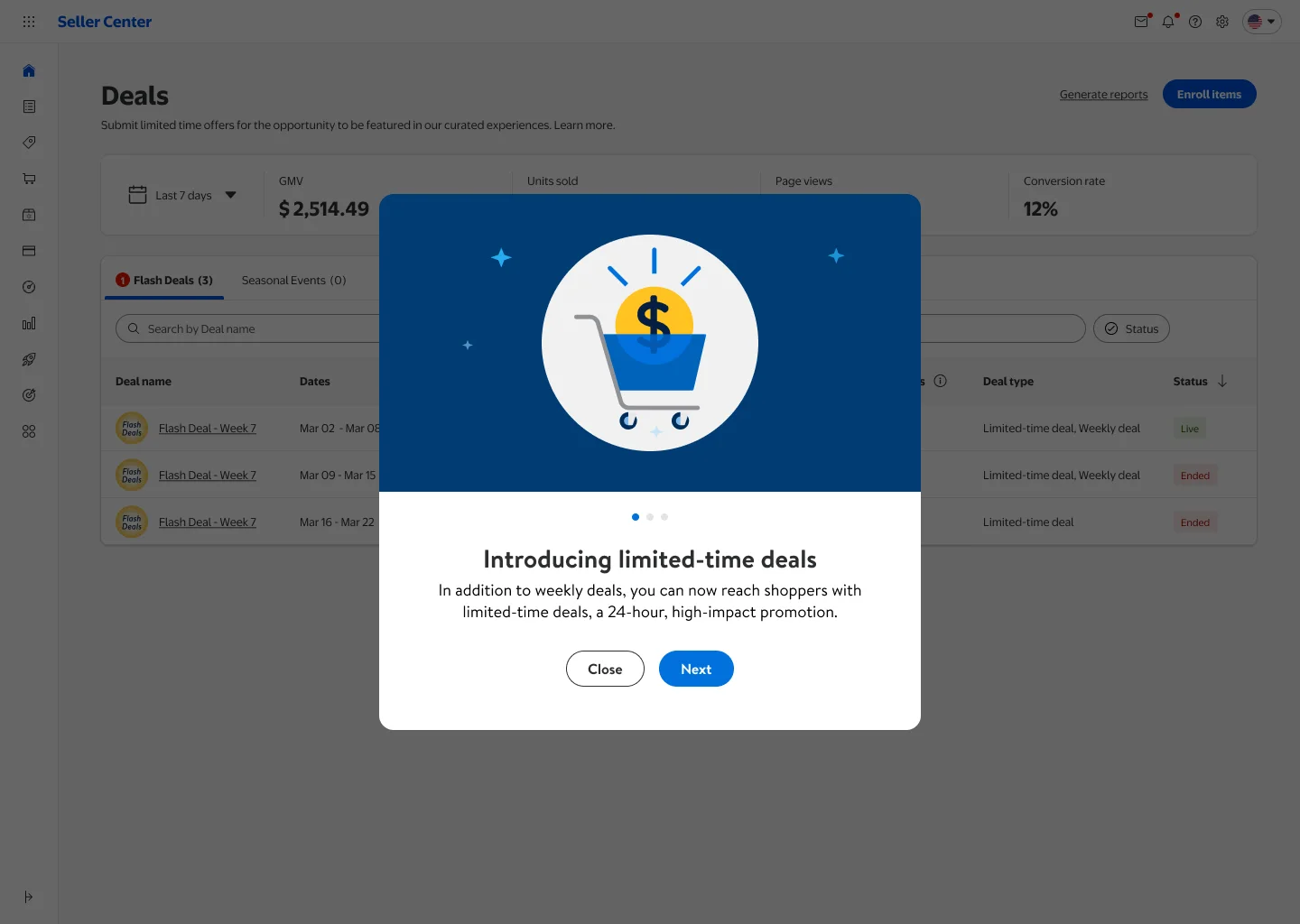
The first time a seller opens Deals, three short screens introduce the new limited-time deal.
Five steps, filled in
Setting up a deal is five steps with a progress bar: choose the deal, pick the week, add items, configure, review.
Suggested first, catalog second
Adding items opens on the items Walmart's models suggest for this deal, each with a suggested price and deal type. The full catalog is the second tab, and a spreadsheet upload is there for sellers with thousands of items.
Edit one, or edit all
Every promo price comes filled in and stays editable. For many items at once, the seller lowers the current price by a percentage or a dollar amount, and every row updates before they move on.
The rules where the choice is
Each week shows its enrollment deadline, and the rules of each deal type sit beside the list. An item that can't join a type says so in its own row.
Making the new deal the default
The PM and I decided how the deal type comes selected. An item gets the type the model suggests. If it can only join one type, that one. If it can join both, the limited-time deal, so the new deal gets tried early. Three short screens introduce it the first time a seller opens Deals.
- What it costs
- A seller who prefers the weekly deal has to change it in the row. We accepted that: a default is the cheapest way to get a new option tried, and the other option is one dropdown away.
Built to get the new deal tried
- What it was built to move
- How many sellers enroll items in limited-time deals, and how many of their items a deal carries.
- The figures
- They are Walmart's, and none is claimed here.